Solutions
STRACTA for excavation and earthworks
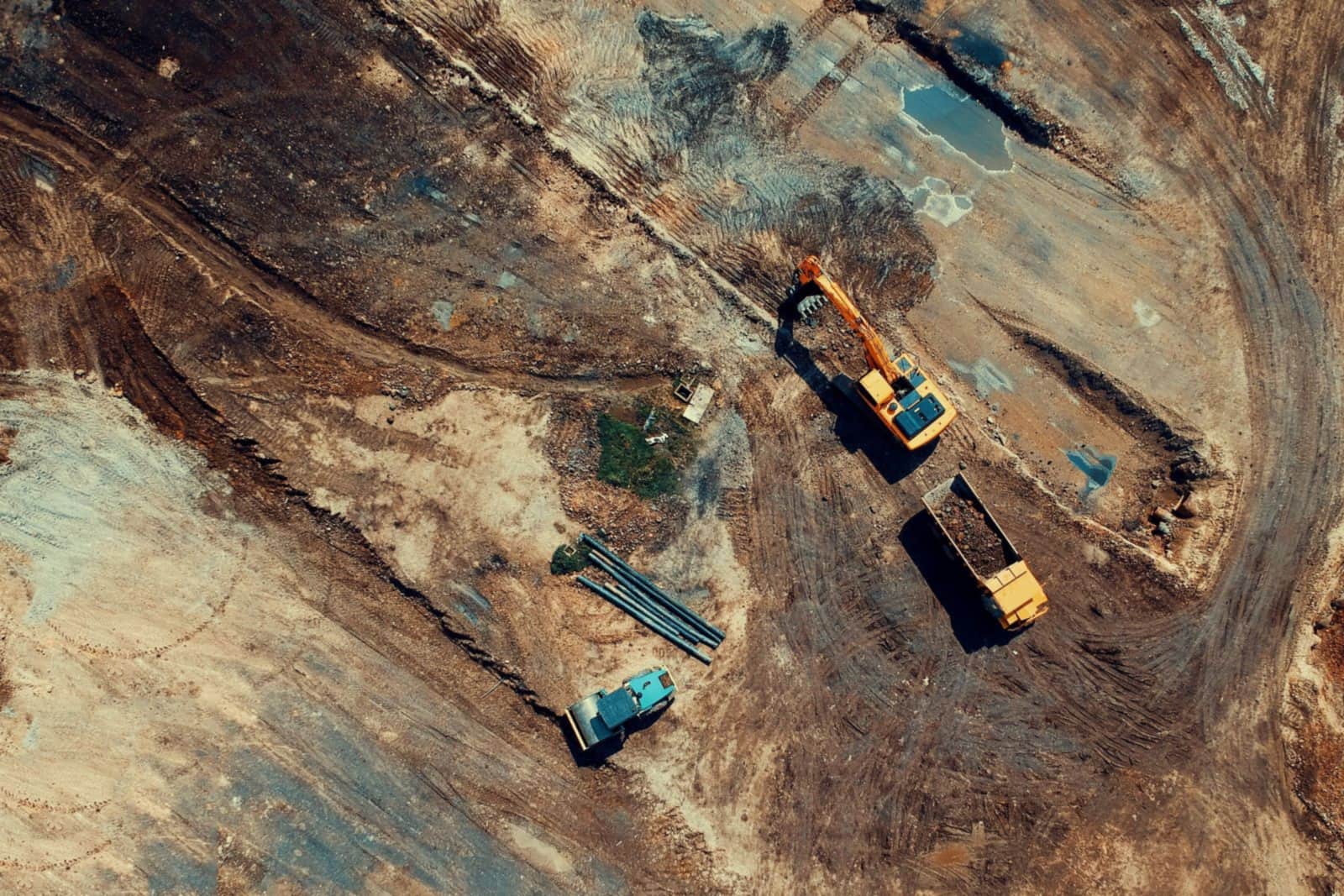
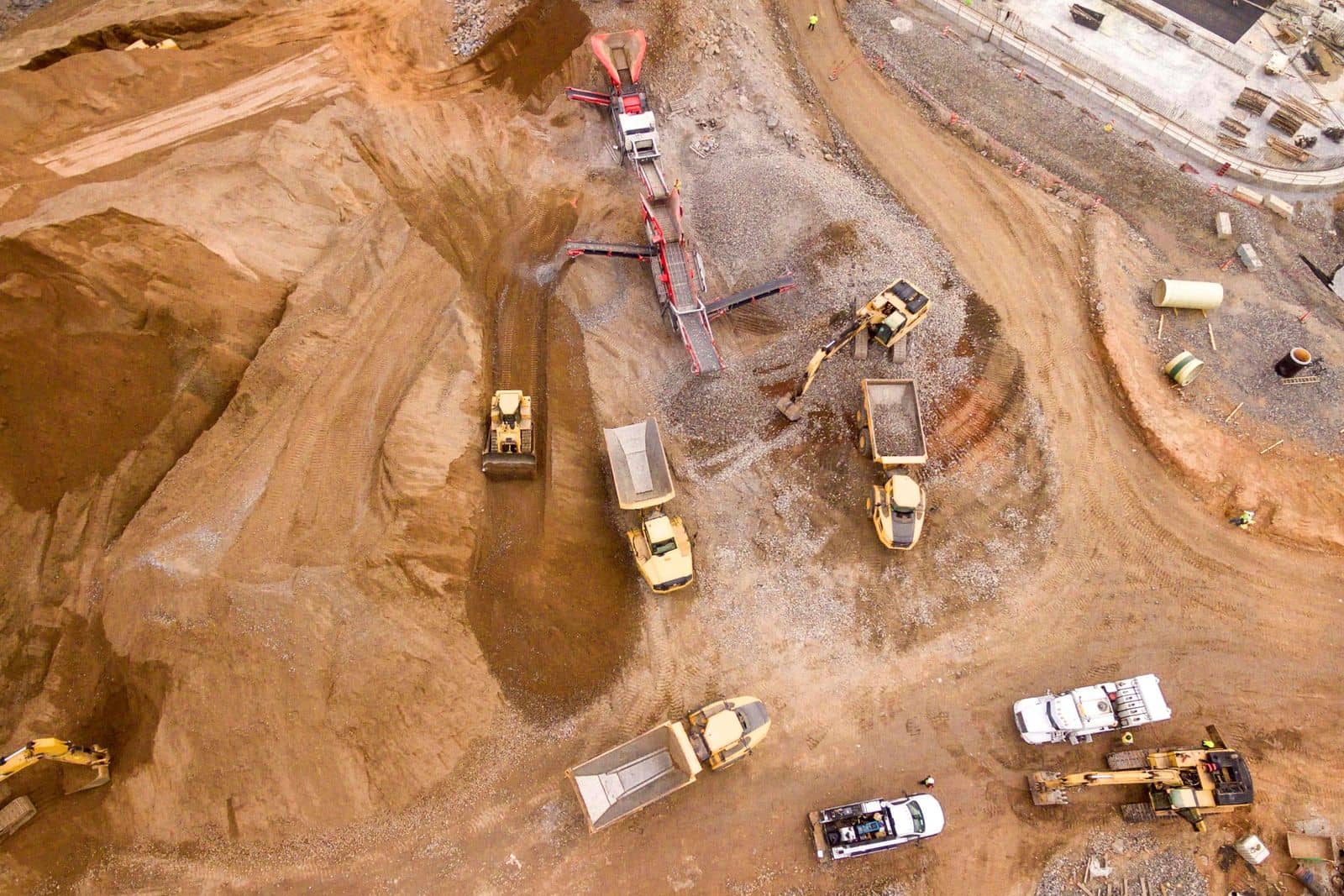
Earthworks runs at the pace of the machines and the trucks feeding them. STRACTA assigns excavators, operators and broker trucks, plans float moves with the details a driver needs, and records the quantities completed each day.
How it runs
One plan, from the office to the ground.
On an earthworks job, the excavator sets the pace and the trucks have to keep up.
Machines, operators and broker trucks are assigned on one board and published to the field. Float moves are planned with the machine, truck, trailer, driver and the time the machine must be available at the next job, and foremen record the quantities completed each day.
Built around your operation
Every STRACTA client gets a version shaped to its crews, roles and workflow, set up with your own projects, crews, machines and trucks. Tell STRACTA what you need in a sentence, and it goes on the board.
How STRACTA fits your operationThe problem
Where the day usually breaks down.
What tends to go wrong when the plan lives in phone calls, group texts and paper.
Machines in the wrong place
An excavator isn't released in time, or the float turns up at the wrong job. A move passed on by phone is missing the one detail the driver needed.
Trucks out of step with the machines
Too few trucks and the excavator waits; too many and trucks queue on the clock. Trucks shifted between jobs without updating the plan leave foremen guessing who is coming.
Quantities nobody can check
Loads, tonnes and hours written on scraps of paper make it hard to know how much of the cut is done, or to answer a question about it later.
In STRACTA
The workflows that carry the day.
Each one is shaped to how your crews work. Follow the link to see it in full.
Daily Dispatch
Assign excavators, operators and crews
Place each machine and its operator on a project with the crew, start time and trucks. Publish, and each person sees their own assignment in My Day.
Explore Daily DispatchBroker Trucks
Book trucks to the pit or the site
Record daily broker truck bookings with the report place and time, assign them to jobs, and publish an update when you shift trucks between jobs.
Explore Broker TrucksEquipment Moves
Plan float moves with every detail
Schedule each move with the machine, truck, trailer, driver, pickup ready time and the time it must be available at the destination. Movement status and custody changes stay on record.
Explore Equipment MovesDaily Production
Track completed quantities
Foremen record the day's quantities, hours and photos from the phone, and each project shows its progress against the baseline.
Explore Daily Production
Terminology
The words on the job.
Plain meanings for the terms on this page, for anyone new to the trade.
| Term | What it means |
|---|---|
| Cut and fill | Digging where the ground is too high (cut) and placing that material where it is too low (fill). |
| Loads | Truckloads hauled. Earthworks quantities are often counted in loads as well as tonnes or cubic metres. |
| Pit | A gravel or sand source where trucks load aggregate. |
| Granular AOntario usage | An aggregate class used for road base. Common in Ontario. |
| Fine grade | Trimming the subgrade or granular to the design elevation. |
| Proof-roll | Running a heavy roller or loaded truck over the subgrade or base to show up soft areas. |
| Float (lowbed)Ontario usage | The low-deck trailer that moves excavators and dozers between jobs. Common in Ontario; a lowboy in the US and a low loader in the UK. |
Trade words change by region. Terms tagged Ontario usage are how they are commonly said in Ontario. Elsewhere the same float is a lowboy in the US and a low loader in the UK, and US crews count asphalt in tons rather than tonnes.
A day in STRACTA
One day, hour by hour.
How the plan, the field and the record connect across one working day.
Example dayExcavators, a dozer and eight broker trucks on a cut-and-fill job.
The dispatcher publishes the day: two excavators, a dozer and a soil compactor on the Cedar Flats lot, and eight broker tri-axles reporting to the site at 6:45 AM.
Operator Jamal T. checks My Day: excavator EX-31, Cell 2 cut, loading trucks for the fill at the east berm. He acknowledges.
The foreman reports a soft area in the fill from his phone, and it shows in the office as needing attention.
With the fill slowed, the dispatcher moves two broker trucks to the Pond 2 job and publishes an update. Affected users get an in-app notification.
The foreman records the day's fill quantity, the hours and a photo of the finished lift.
Excavator EX-27 is scheduled to move on the float to Pond 2: ready at 5:00 PM, available on site by 7:00 AM tomorrow.
Roles
Who uses it every day.
Each role sees its own part of the same plan.
Office · desktop
Dispatchers
Build the day, publish it, and publish the change when the day changes.
Works in Daily Dispatch · Broker Trucks · Company Fleet
Office · desktop
Operations managers
Every crew, machine and truck on one board, and field issues in one list.
Works in Overview and Intelligence · Daily Dispatch · Equipment Moves
Field · phone
Foremen and supervisors
Your crew's day on your phone: see it, acknowledge it, report back.
Works in My Day · Field Reporting · Daily Production
Field · phone
Drivers and field crews
Where to be, when, and with which truck or machine, on your phone.
Works in My Day · Team Chat · Tasks
FAQ
Common questions.
Is STRACTA set up for earthworks?
Your version of STRACTA is built around your earthworks operation: your machines, operators, trucks, pits and jobs, with Daily Dispatch, Broker Trucks, Equipment Moves and Daily Production at the centre of the day.
Can we schedule a float move by voice?
Yes. Tell STRACTA what you need, such as moving an excavator to the next job tonight with a named driver, and it creates the move with the machine, truck, trailer, driver and the time it must be available.
What does the foreman record each day?
The day's quantities, hours and photos, from the Report tab on the phone. Each project shows its progress against the baseline as the entries come in.
Can we see which machines are free for tomorrow?
Equipment records show operational availability and company fleet units show their status, so you can check what is free before you place it on tomorrow's board.
Other trades
STRACTA for other trades.
Asphalt paving contractors
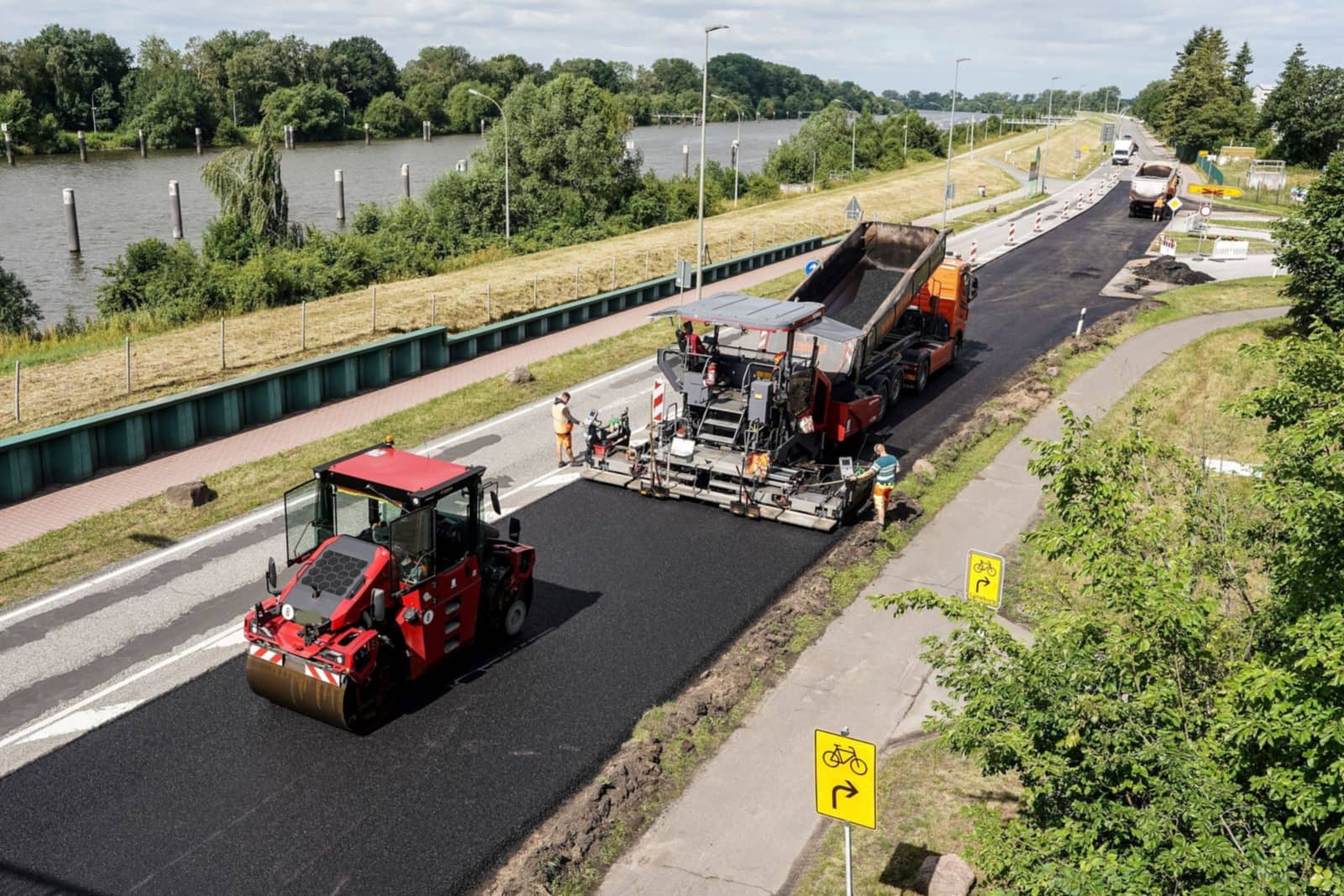
Crews, plant timing, broker trucks and tonnes placed, on one published plan.
Road construction
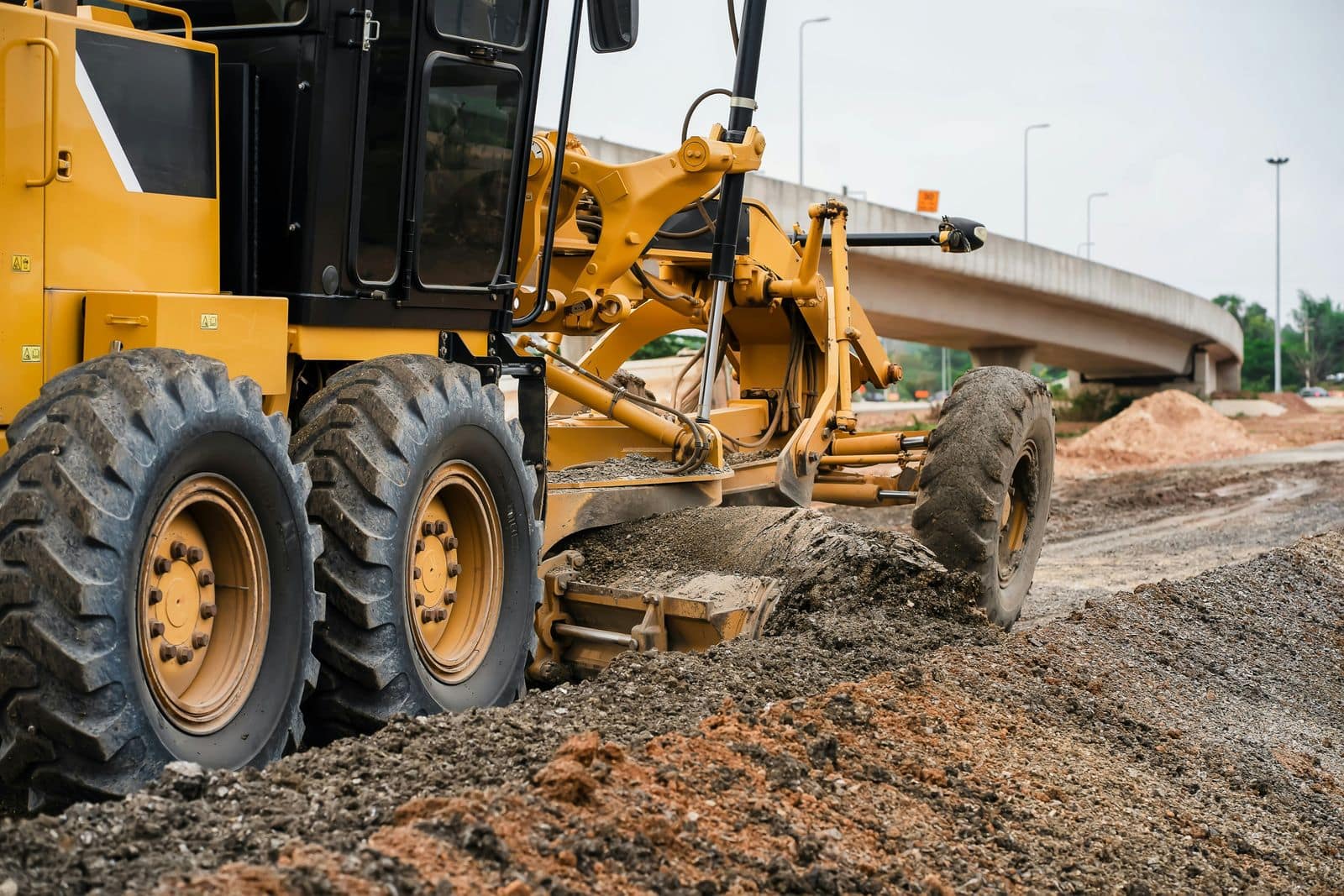
Several sites, shared crews and machines, and progress you can see each day.
Civil contractors
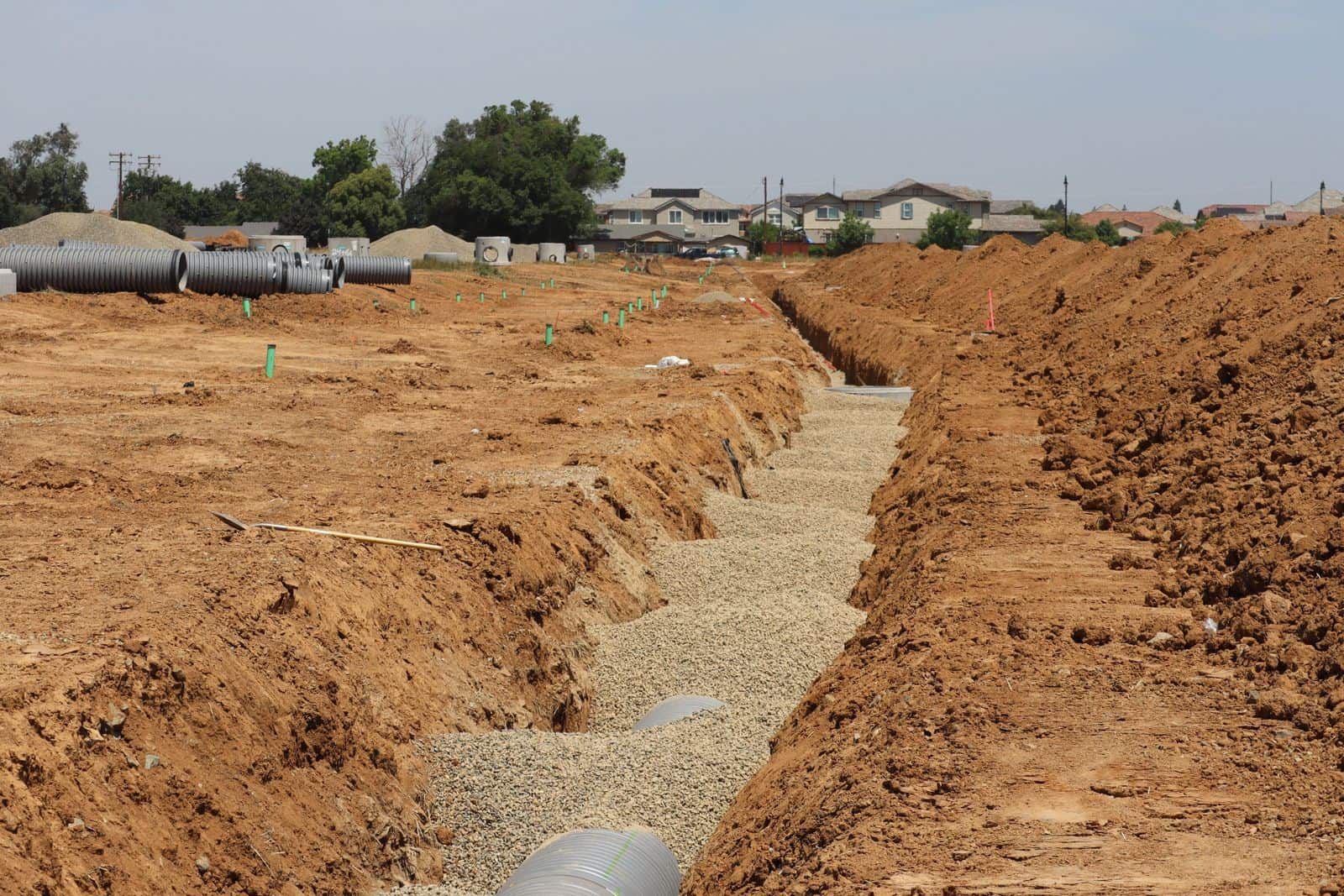
Field teams, equipment, materials and reporting across many small sites.
Multi-crew contractors
Many crews, many jobsites, and one plan where everyone sees their part.
See it with your own crews and jobs.
Bring a real day from your company to the demo: the projects, crews, machines and trucks you would put on tomorrow's board.