Solutions
STRACTA for multi-crew contractors
The more crews you run, the harder it is to keep one version of the day. STRACTA builds the day from reusable crews, publishes one plan where each person sees their own part, and gives the office one view of status and attention items.
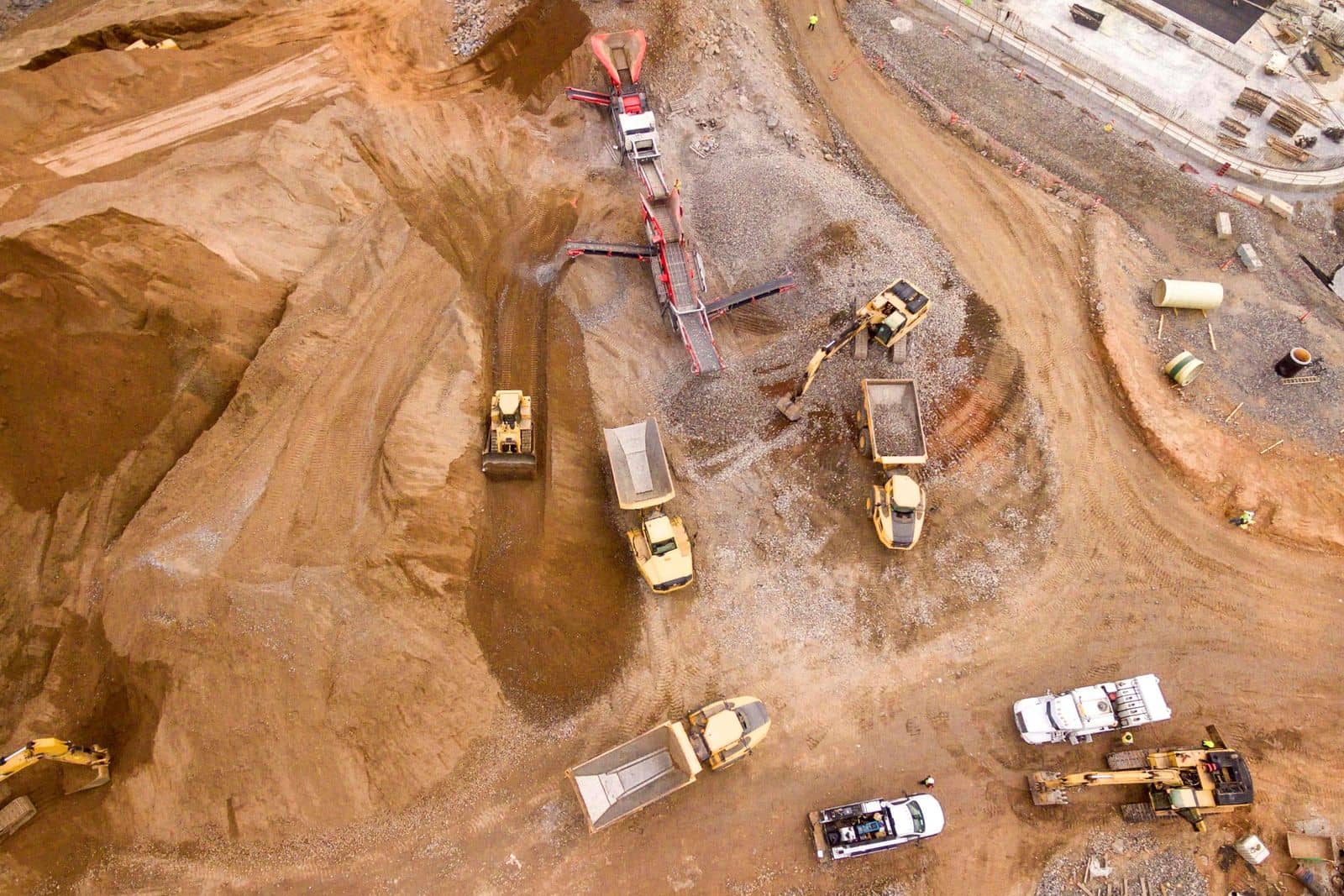
How it runs
One plan, from the office to the ground.
With many crews on many jobsites, the plan has to be one plan.
Crews are set up once and reused, every assignment is published from one board, and each person sees their own part in My Day. The office follows status and attention items from the overview instead of phoning every foreman.
Built around your operation
Every STRACTA client gets a version shaped to its crews, roles and workflow, set up with your own projects, crews, machines and trucks. Tell STRACTA what you need in a sentence, and it goes on the board.
How STRACTA fits your operationThe problem
Where the day usually breaks down.
What tends to go wrong when the plan lives in phone calls, group texts and paper.
The same person on two jobs
With many crews and one whiteboard, the same operator, roller or truck gets promised twice, and someone finds out at the yard.
Changes that reach some people, not all
A crew change made at 6:30 AM reaches the foreman but not the labourer who drove straight to site.
No single picture of the day
The owner or operations manager phones each foreman to learn what is on site, what is down and what is behind.
In STRACTA
The workflows that carry the day.
Each one is shaped to how your crews work. Follow the link to see it in full.
People and Crews
Reusable crews and availability
Set up reusable crews, keep track of people's availability, and build each day from crews you already know.
Explore People and CrewsDaily Dispatch
One plan for every crew
Every crew, machine and truck sits on one board. Publish, and each person sees their own part of it in My Day.
Explore Daily DispatchTeam Chat
Company, project and crew channels
Questions and answers stay in the channel for the company, the project or the crew, instead of in personal text threads.
Explore Team ChatOverview and Intelligence
See the whole day
Authorized users see operational status, outstanding work and attention items across every crew from the overview.
Explore Overview and Intelligence
Terminology
The words on the job.
Plain meanings for the terms on this page, for anyone new to the trade.
| Term | What it means |
|---|---|
| Crew | A foreman or lead hand and the people working with them on one assignment. |
| Lead hand | An experienced crew member who leads a small crew or a task, often under a foreman. |
| Assignment | A person, crew, machine or truck placed on a project for the day. |
| Daily dispatch | The day's plan for every crew, published so each person sees their part. |
| Yard | The contractor's base, where trucks and equipment are kept and crews often meet. |
| Float moveOntario usage | Moving a machine between jobs on a float (lowbed) trailer. Float is the common term in Ontario. |
Trade words change by region. Terms tagged Ontario usage are how they are commonly said in Ontario. Elsewhere the same float is a lowboy in the US and a low loader in the UK, and US crews count asphalt in tons rather than tonnes.
A day in STRACTA
One day, hour by hour.
How the plan, the field and the record connect across one working day.
Example daySix crews across five jobsites, from the 5:30 AM publish to the day's record.
The dispatcher publishes six crews across five jobsites: 38 people, 14 machines and 4 company trucks.
Foremen and crew members open My Day and see their own assignments. The curb crew's lead hand acknowledges before leaving the yard.
The operations manager checks the overview: jobs on site, people assigned, equipment on jobs, and one field issue needing attention.
The curb crew needs another labourer. The dispatcher moves one from the restoration crew and publishes an update. Affected users get an in-app notification.
A question about a grade change goes into the project's channel in Team Chat, where the foreman and the project manager both see it.
Each crew's production entry comes in from the phone, and the day is kept in Reports and History.
Roles
Who uses it every day.
Each role sees its own part of the same plan.
Office · desktop
Owners and executives
Today's operation and every day's record, in one place.
Works in Overview and Intelligence · Projects · Reports and History
Office · desktop
Operations managers
Every crew, machine and truck on one board, and field issues in one list.
Works in Overview and Intelligence · Daily Dispatch · Equipment Moves
Office · desktop
Dispatchers
Build the day, publish it, and publish the change when the day changes.
Works in Daily Dispatch · Broker Trucks · Company Fleet
Field · phone
Foremen and supervisors
Your crew's day on your phone: see it, acknowledge it, report back.
Works in My Day · Field Reporting · Daily Production
Field · phone
Drivers and field crews
Where to be, when, and with which truck or machine, on your phone.
Works in My Day · Team Chat · Tasks
FAQ
Common questions.
Who is STRACTA built for?
Construction companies across Canada that coordinate crews, heavy equipment and trucks across active jobsites. Every client gets a version of STRACTA shaped to its own crews, roles and workflow, and your demo walks through how that looks for you.
What does a crew member see?
Their own published assignment in My Day, with the project, start time, crew and equipment. Your administrators set what each role can see in Team and Access.
Can we reuse the same crew every day?
Yes. People and Crews lets you set up reusable crews and keep track of people's availability, so a regular crew goes on the dispatch without being rebuilt each day.
Can the office see every crew's day at once?
Yes. The overview shows authorized users operational status, outstanding work and attention items across every crew, and Reports and History keeps the record of each day.
Other trades
STRACTA for other trades.
Asphalt paving contractors
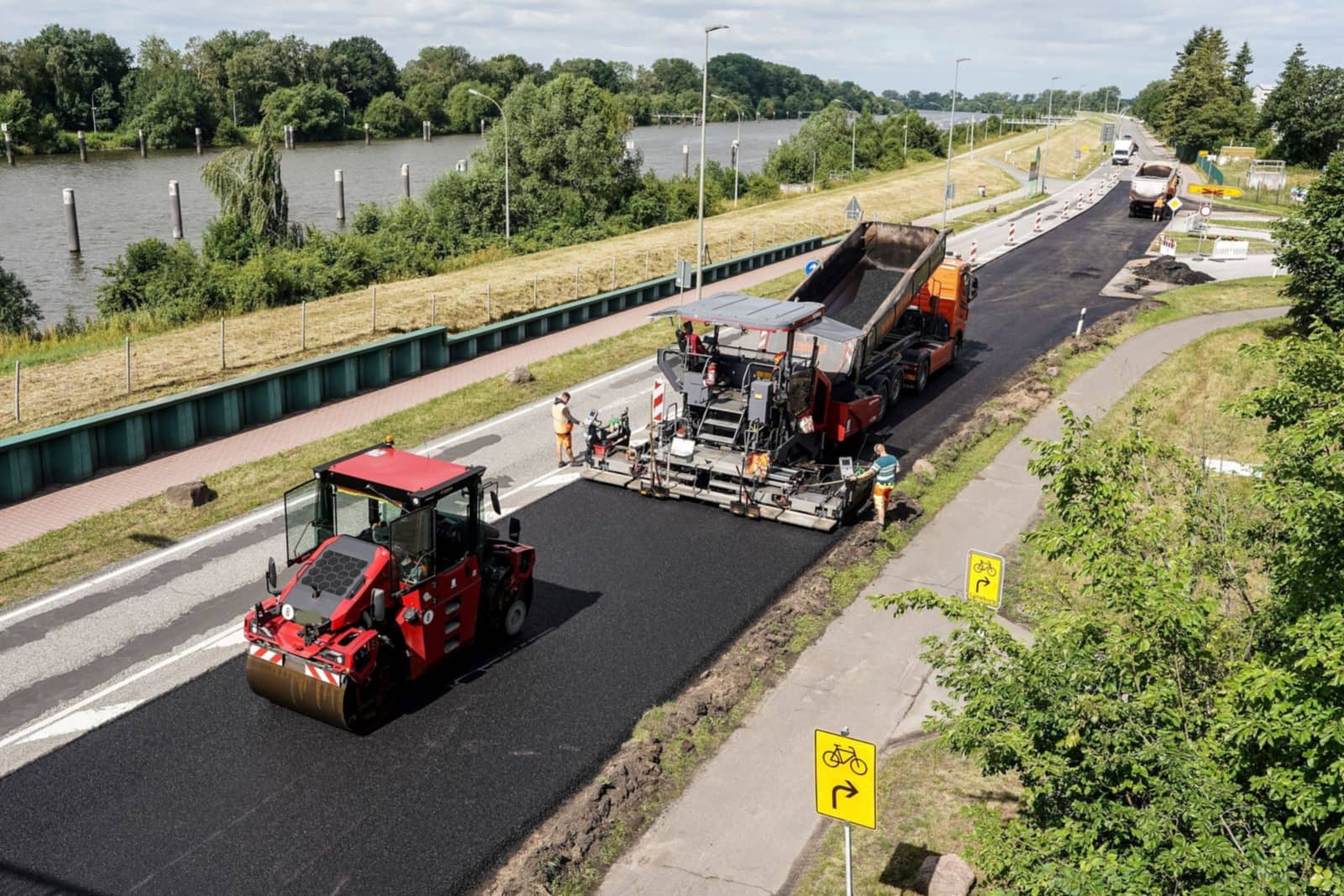
Crews, plant timing, broker trucks and tonnes placed, on one published plan.
Road construction
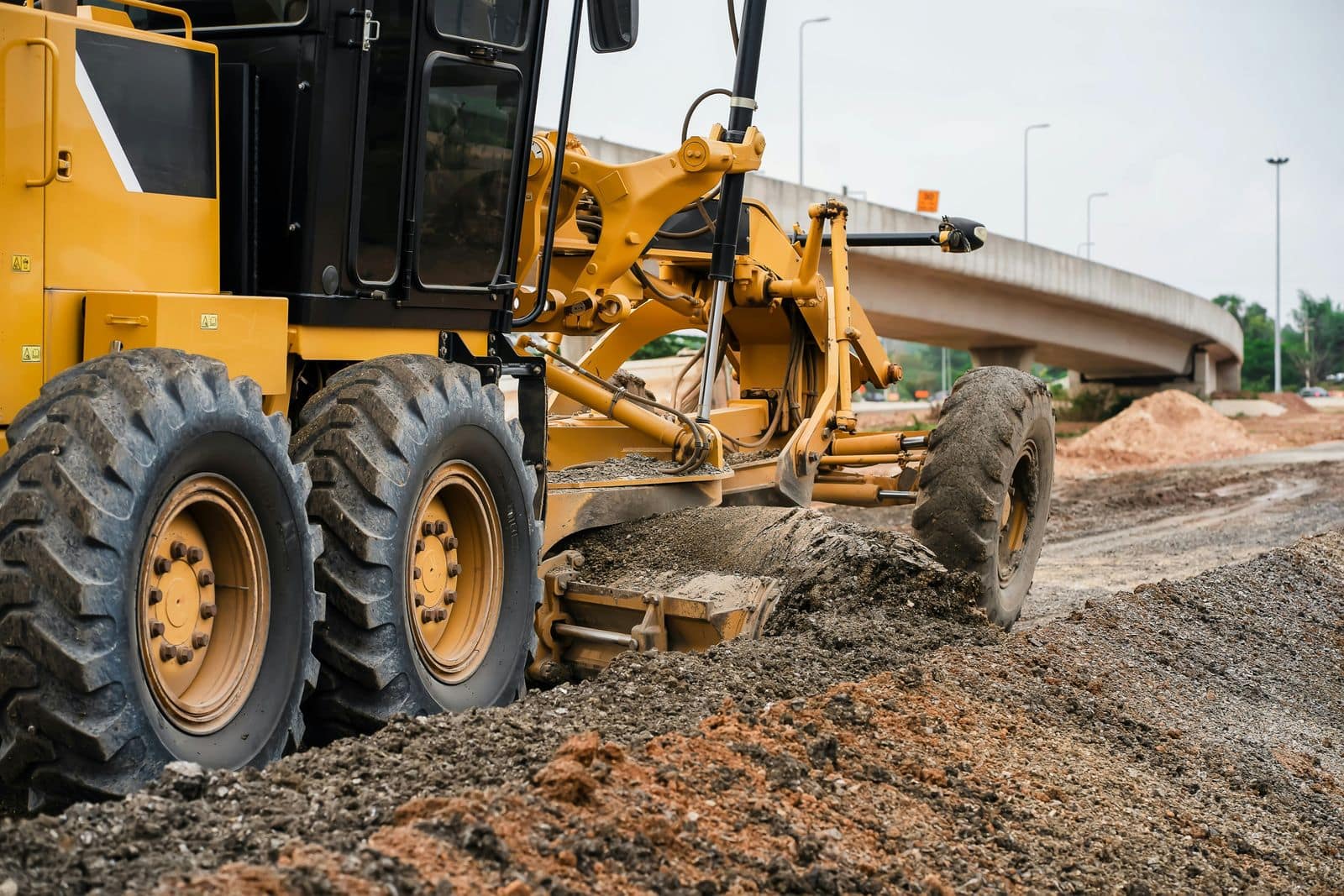
Several sites, shared crews and machines, and progress you can see each day.
Civil contractors
Field teams, equipment, materials and reporting across many small sites.
Excavation and earthworks
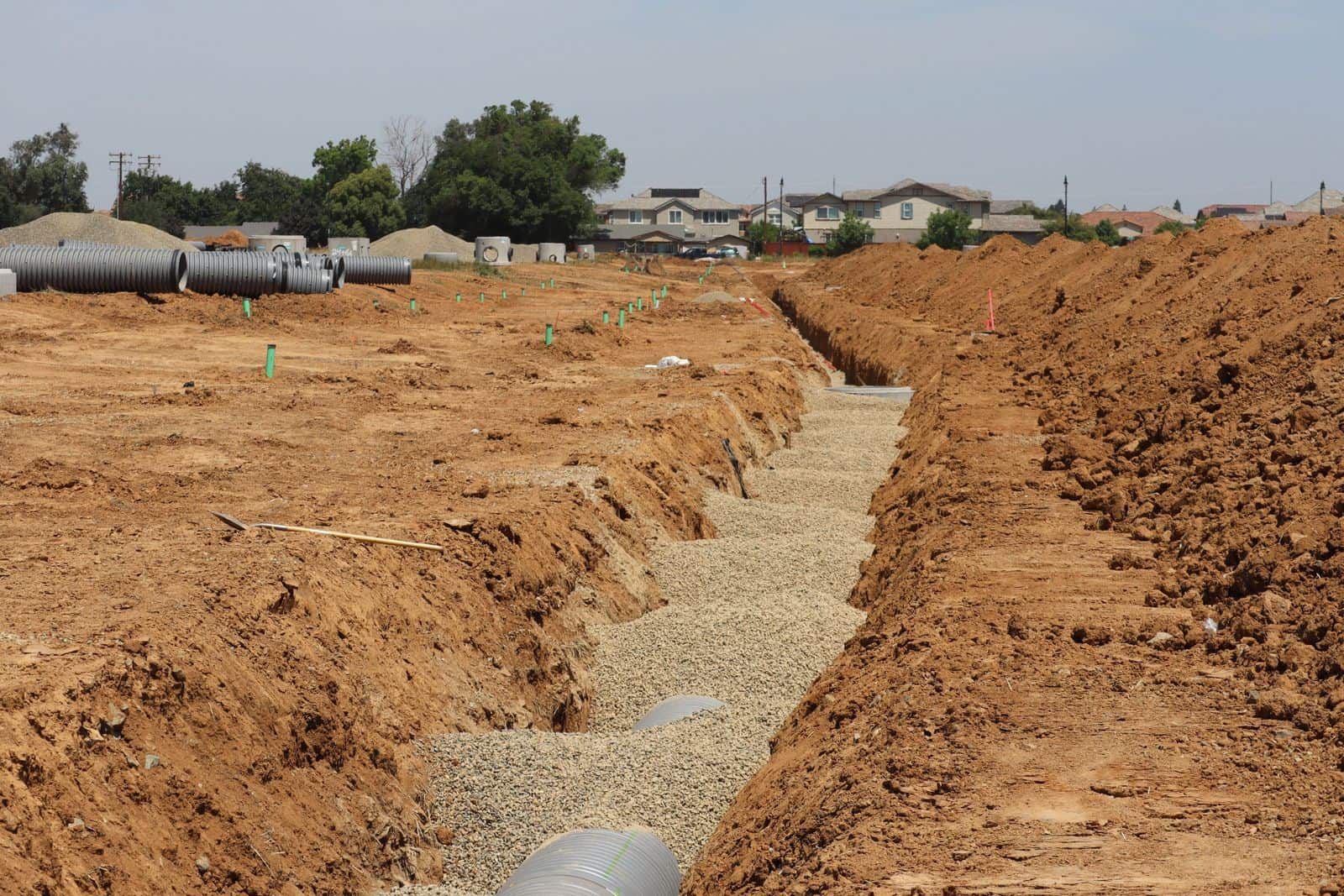
Excavators, operators, trucks and float moves, planned and recorded.
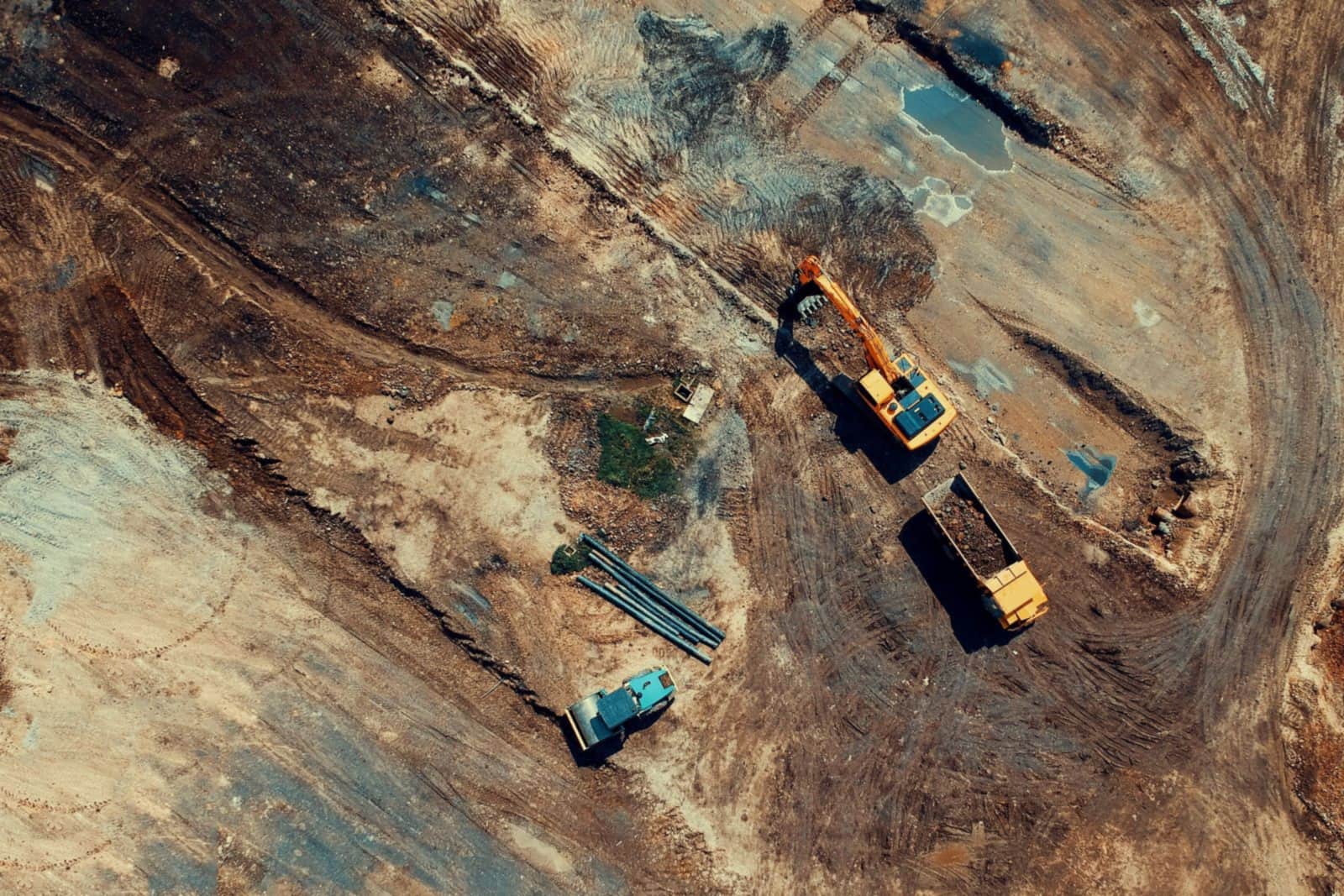
See it with your own crews and jobs.
Bring a real day from your company to the demo: the projects, crews, machines and trucks you would put on tomorrow's board.